Mobile Lotteries
Build regular income with mobile lotteries
- Easy to set up and simple for supporters to enter
- Admin, regulations and technical bits all taken care of
- Run as a standalone lottery, or integrate with an existing lottery

Simple to create, easy to enter
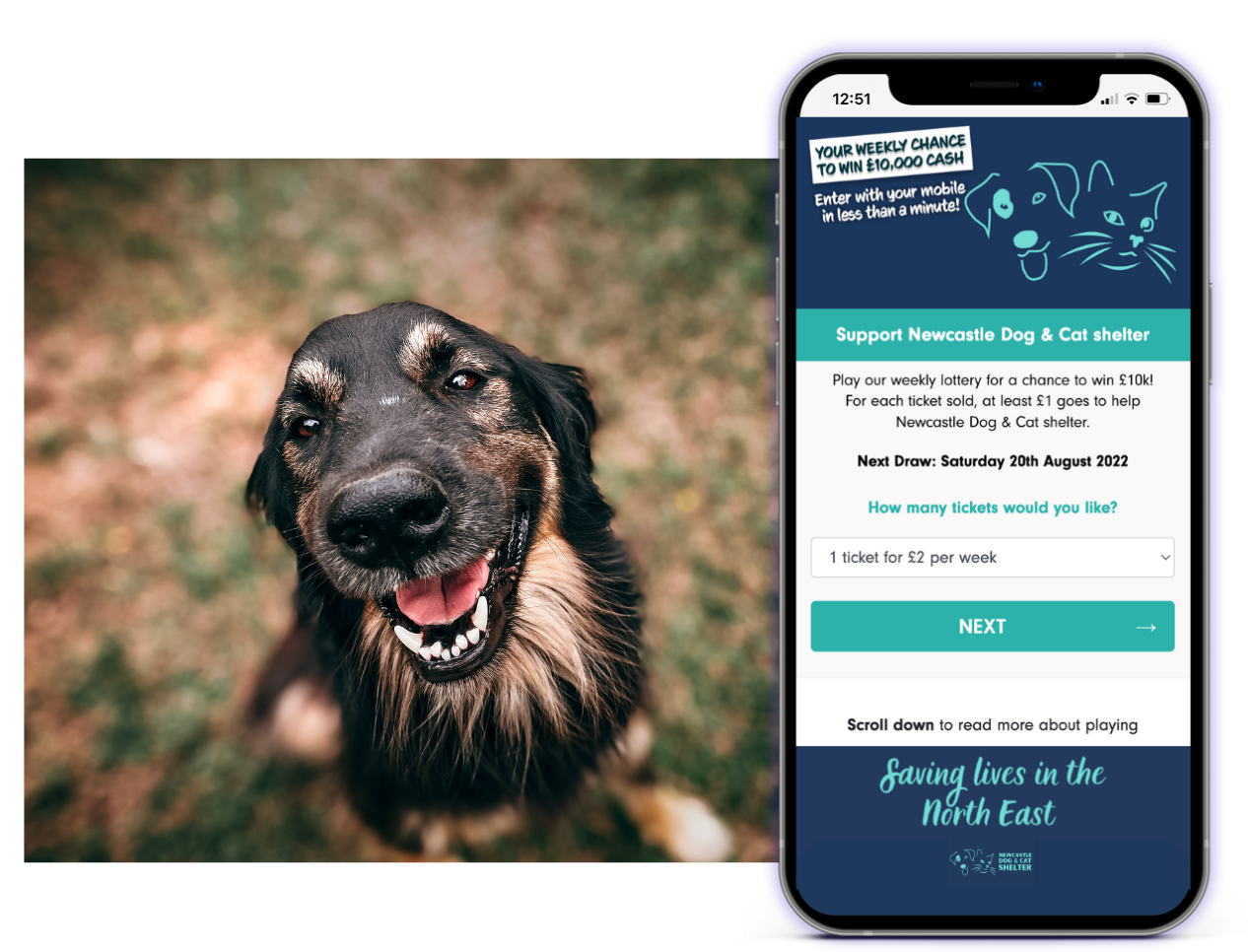
Mobile Lotteries are a simple way for your charity to set up a weekly society lottery. Have confidence that all the tricky bits are taken care of!
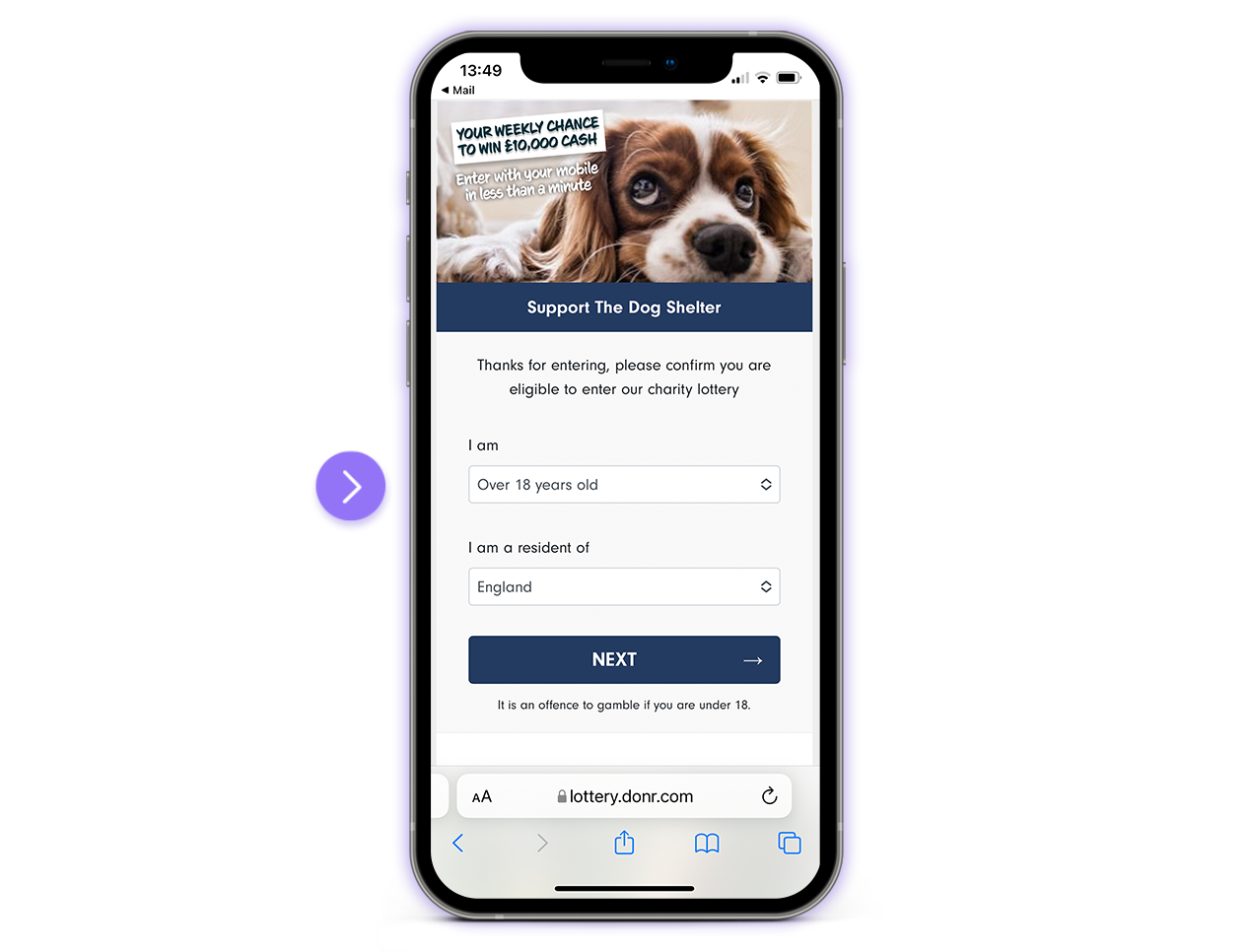
Our unique entry flow makes it easy for supporters to enter. No lengthy forms to complete, just a mobile phone number is required!
-
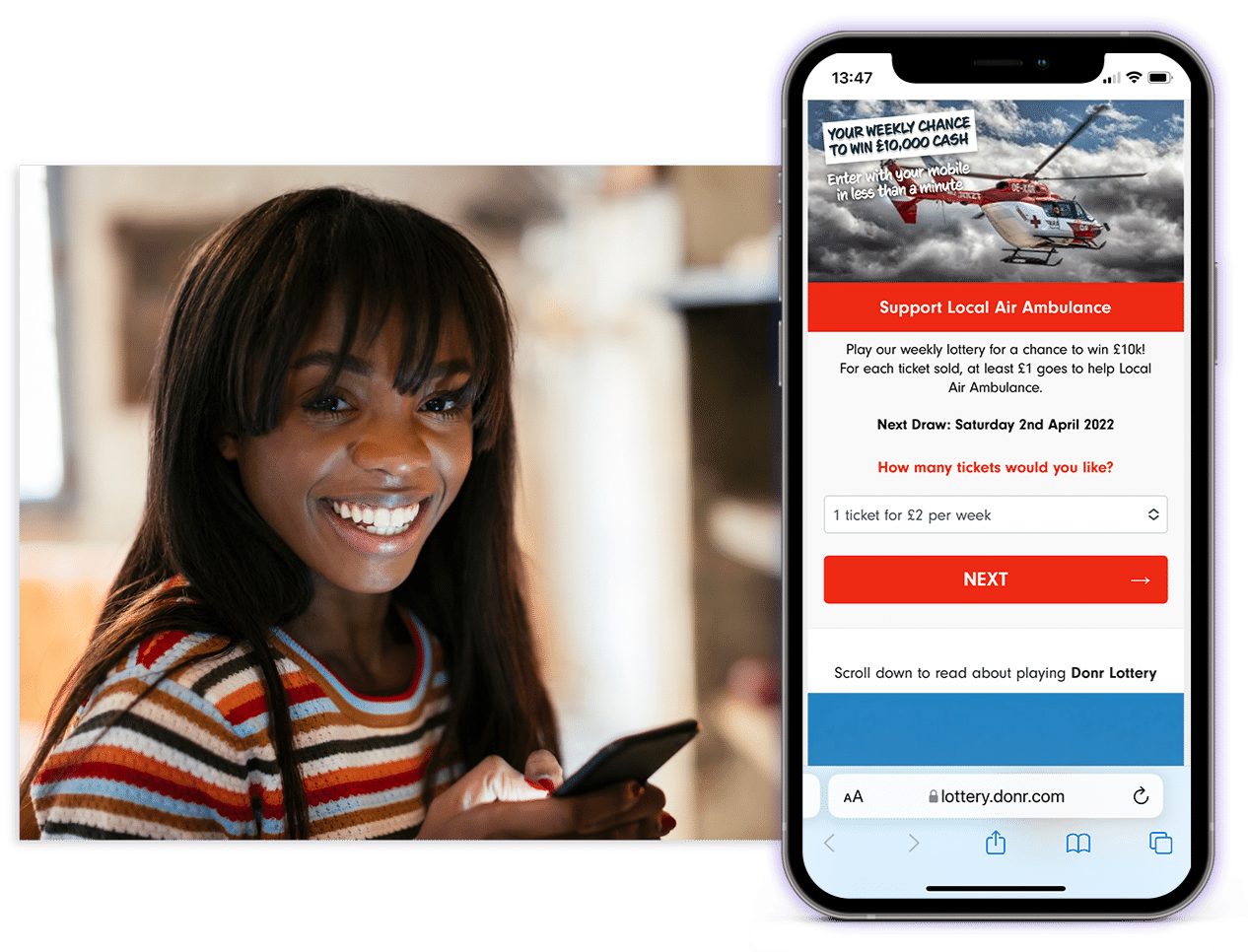
Fully Branded
-
Mobile Entry
-
Regulations Made Easy
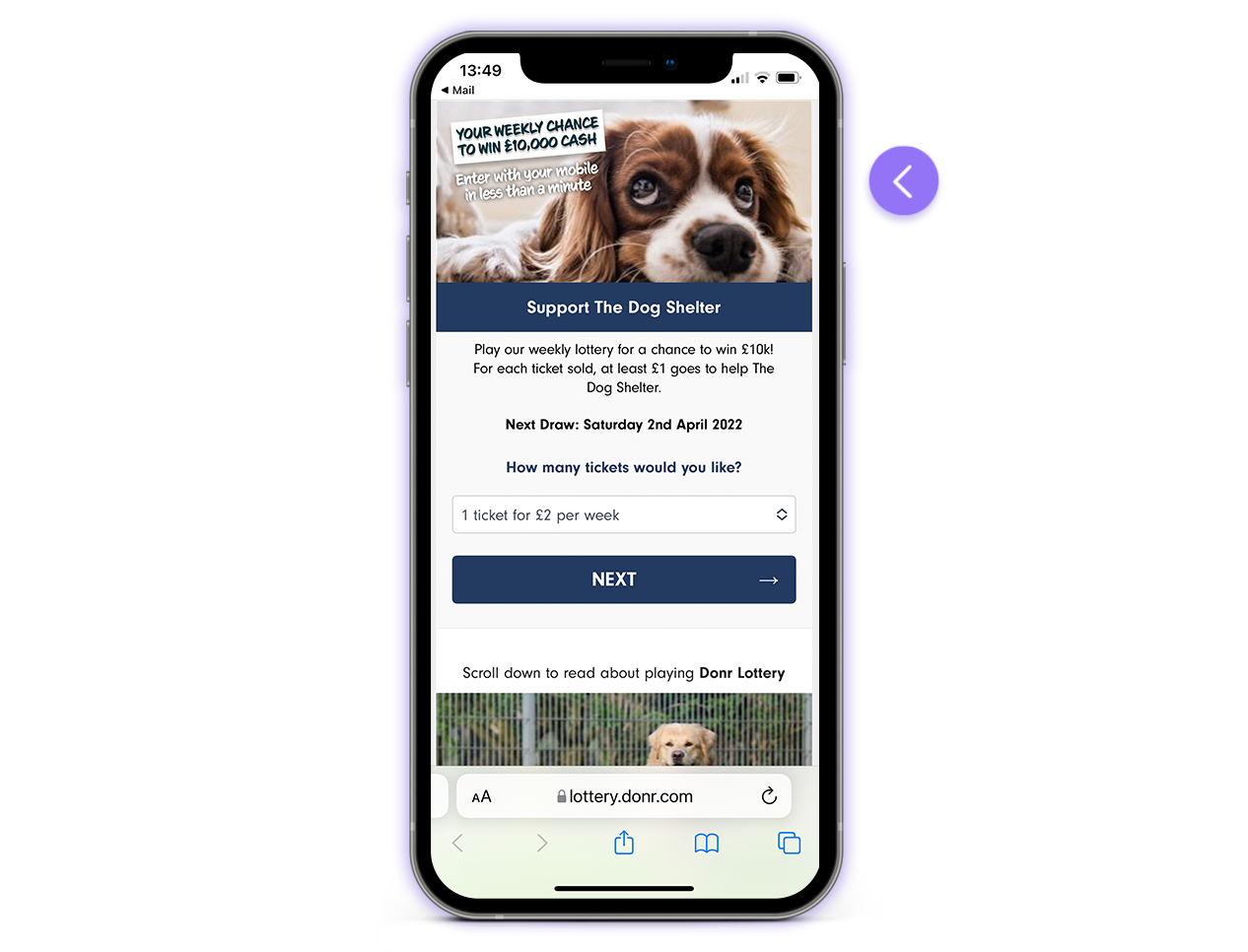
Fully branded pages
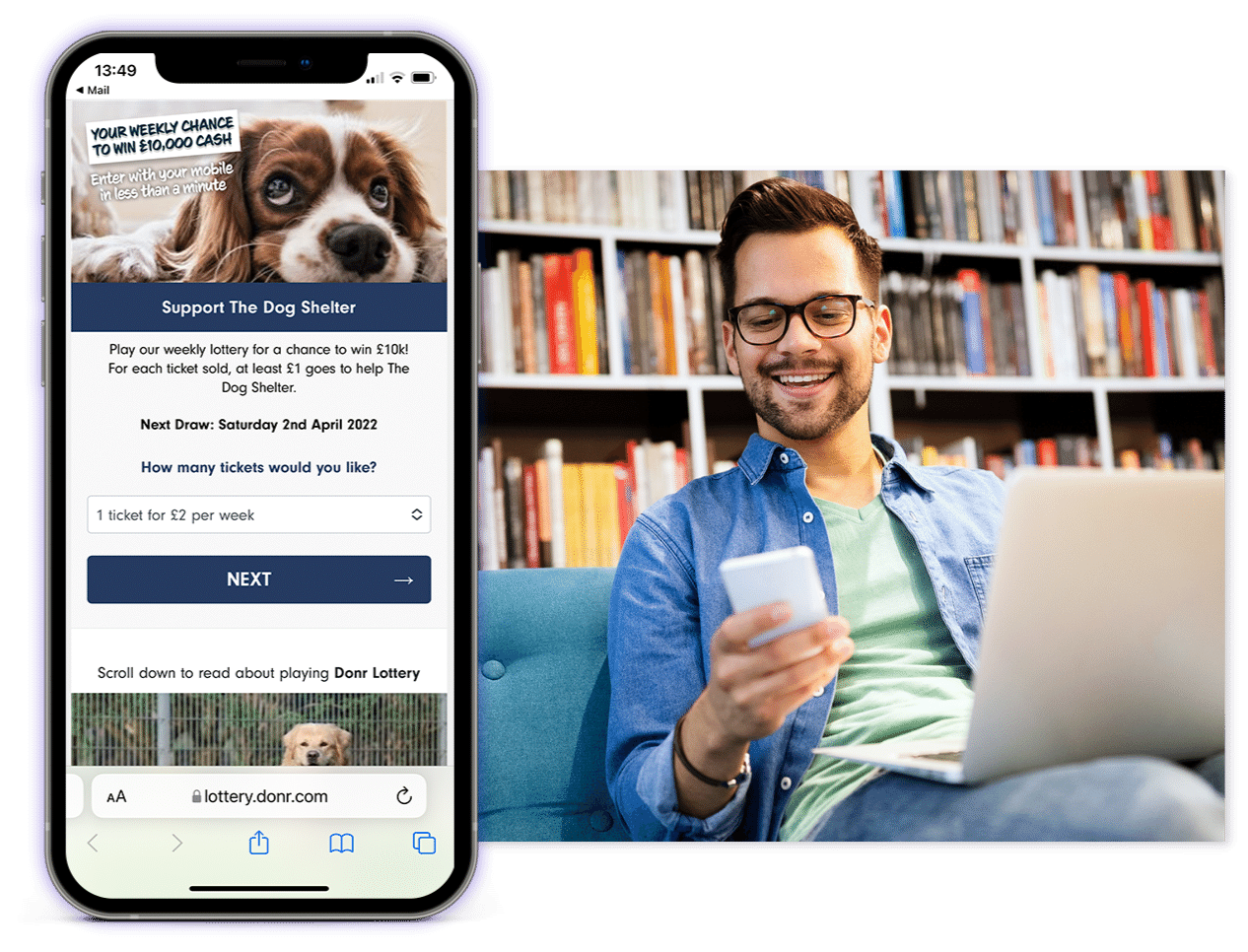
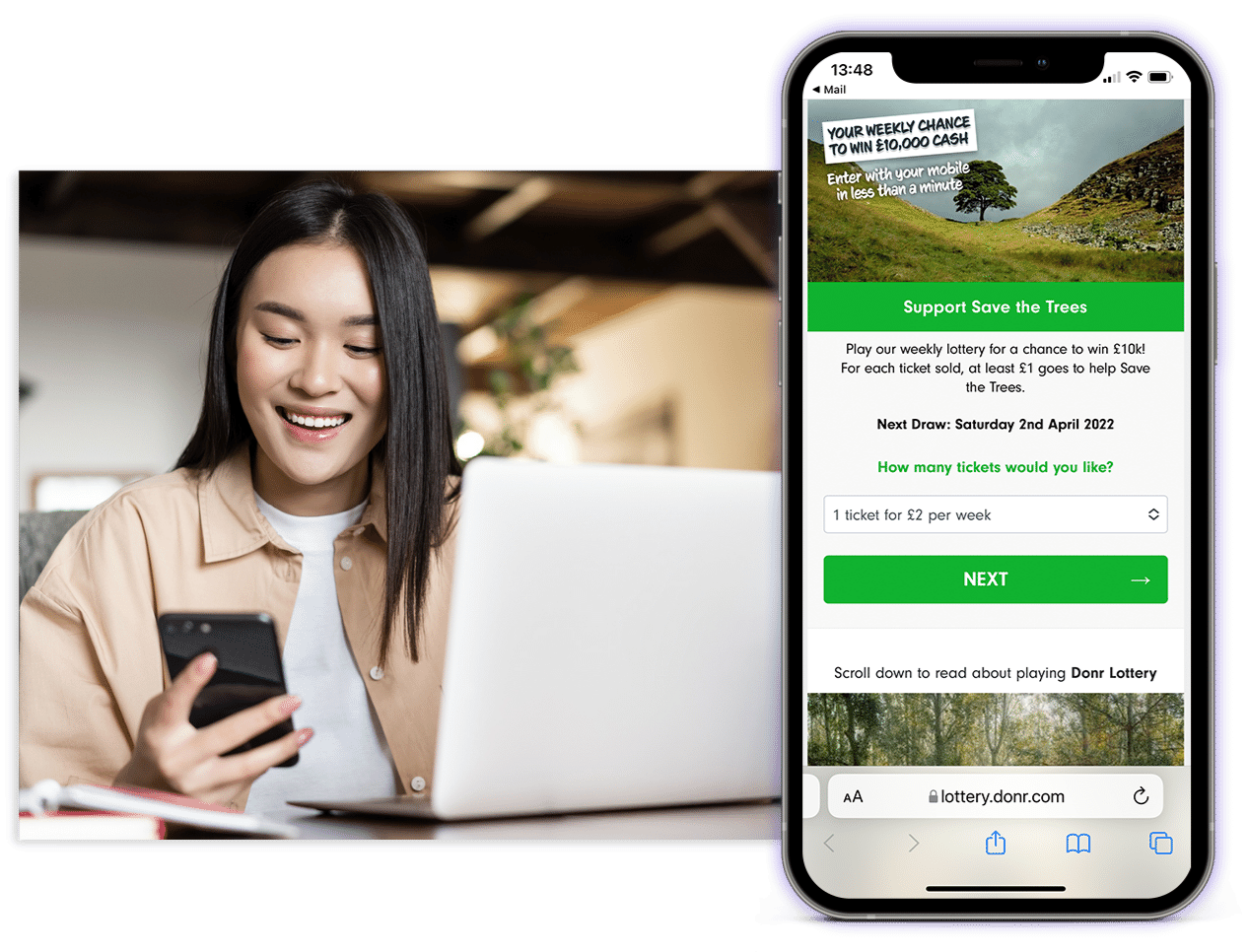
Engage your supporters by customising your page with your charity's imagery, colours and text.
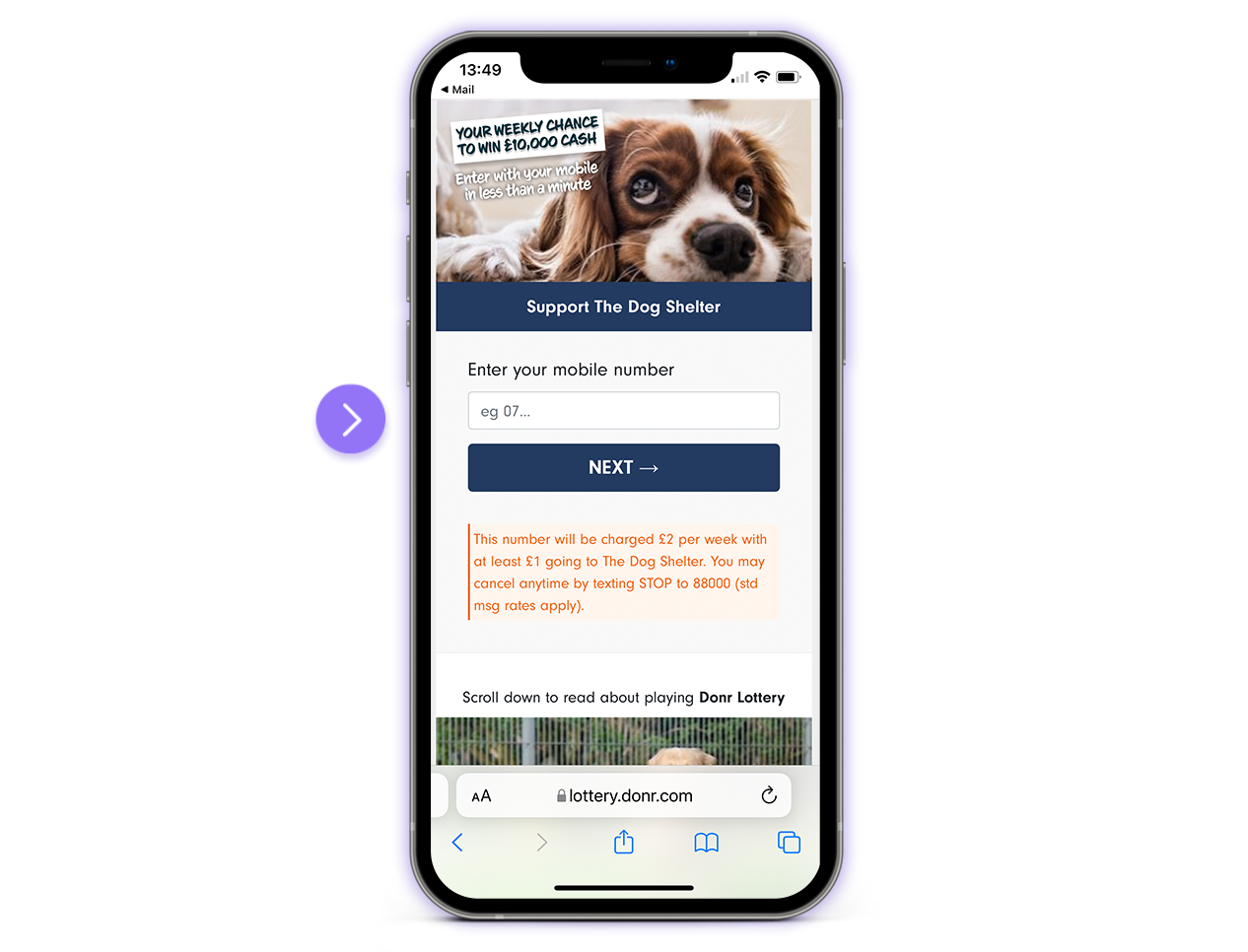
Unique mobile entry
Our unique entry system allows supporters to enter using just their mobile phone number. This makes it easy to enter, which means lots of players and lots of income!
Regulations made easy
We take care of the tricky parts of organising a society lottery. We will guide you through any regulations you need to follow.
You can get started with Mobile Lotteries with a local authority license, which only takes a couple of weeks to be processed.
Maximise charity income
Our easy entry system provides a higher opt-in rate than for Direct Debit - meaning more players.
We can connect you with our expert marketing partners, to help you reach new audiences.
Main lottery or additional offering
Create a Mobile Lotteries as your charity's main lottery and we'll take care of everything from processing entries to paying out prize winners!
Or, position Mobile Lotteries alongside your existing lottery to provide an easy entry method for supporters.

Free Webinar
Newcastle Dog & Cat Shelter Lottery
Hear directly from Newcastle Dog & Cat Shelter about how they launched a Mobile Lottery and attracted 200 players in just three months!